Preview a language on the canvas
Updated 2026-10-22 · 1 min read
See a frame in another language and find text that does not fit.
Before handing a design to developers, check how it looks in each language.
- Select a frame.
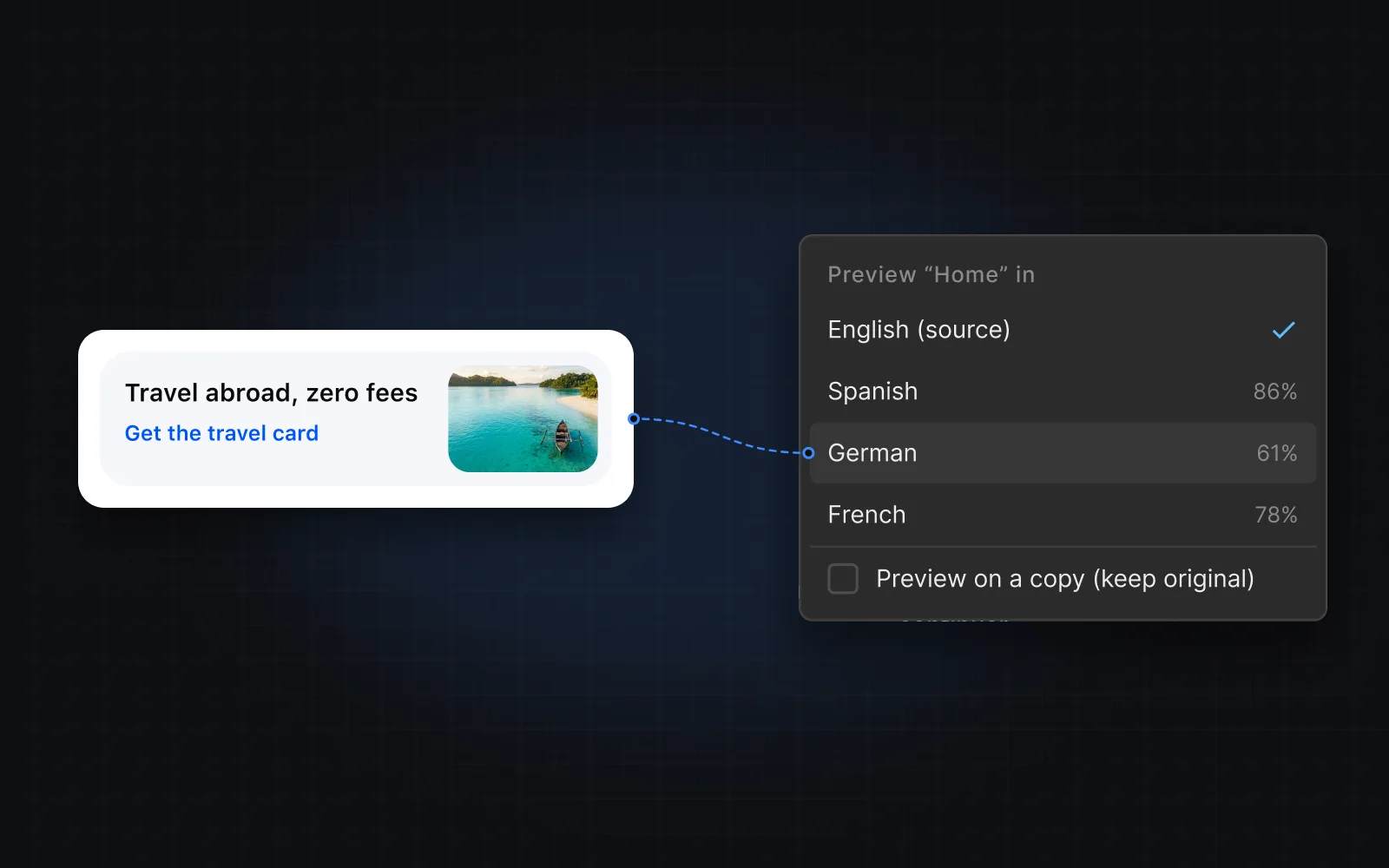
- Choose Preview translation in the bar at the bottom of the plugin, then pick a language.
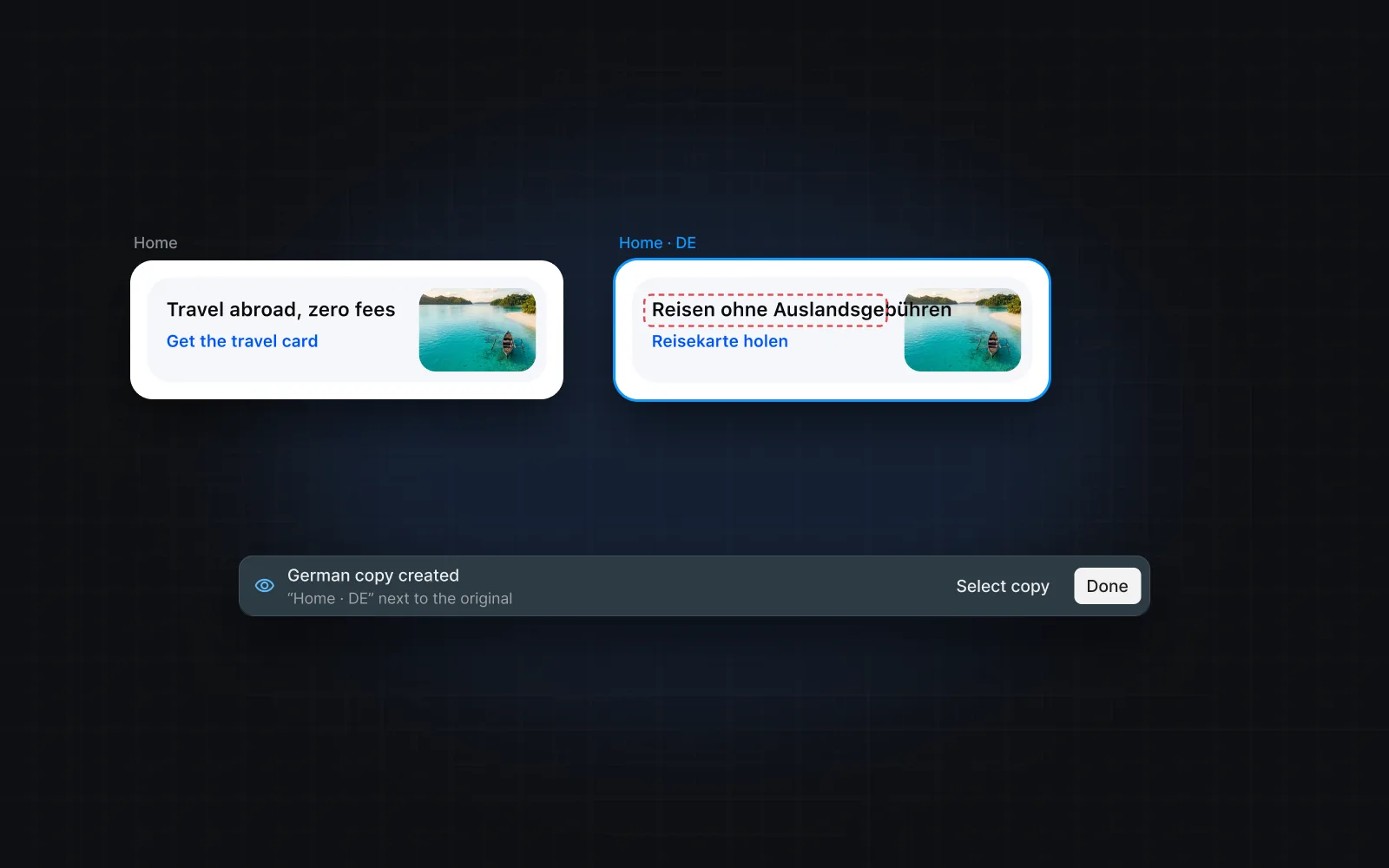
- Choose where to preview: in place on the frame, or on a duplicate of the frame next to it.
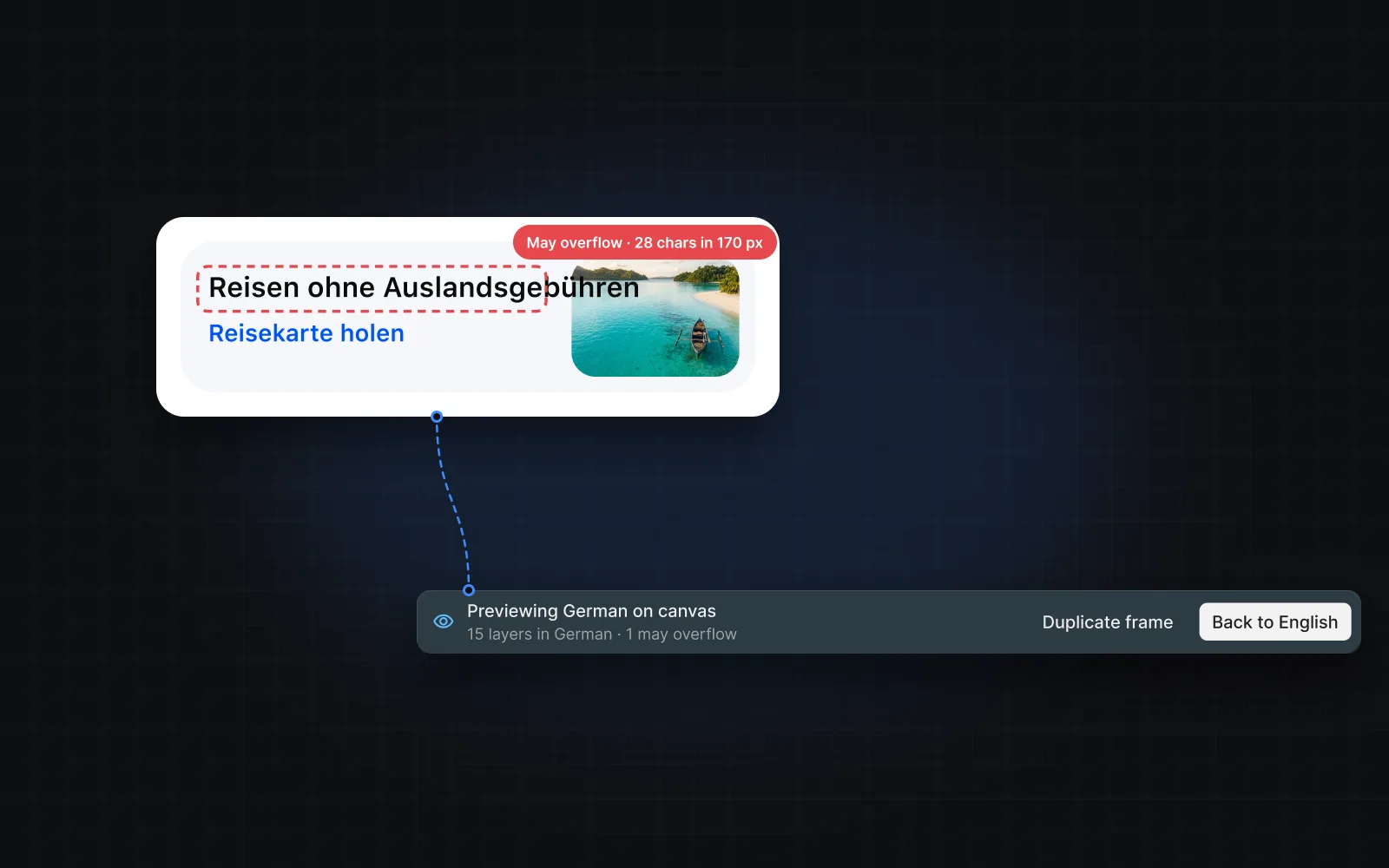
Layers whose translated text is longer than the space it has are counted in the preview bar. Use the arrows to step through them — Figma selects each one.
Back to the source
Choose Back to source to restore the original text. If you close the plugin while previewing in place, the original text comes back too.
Previewing never changes your keys or translations. It only shows them.
Was this helpful?