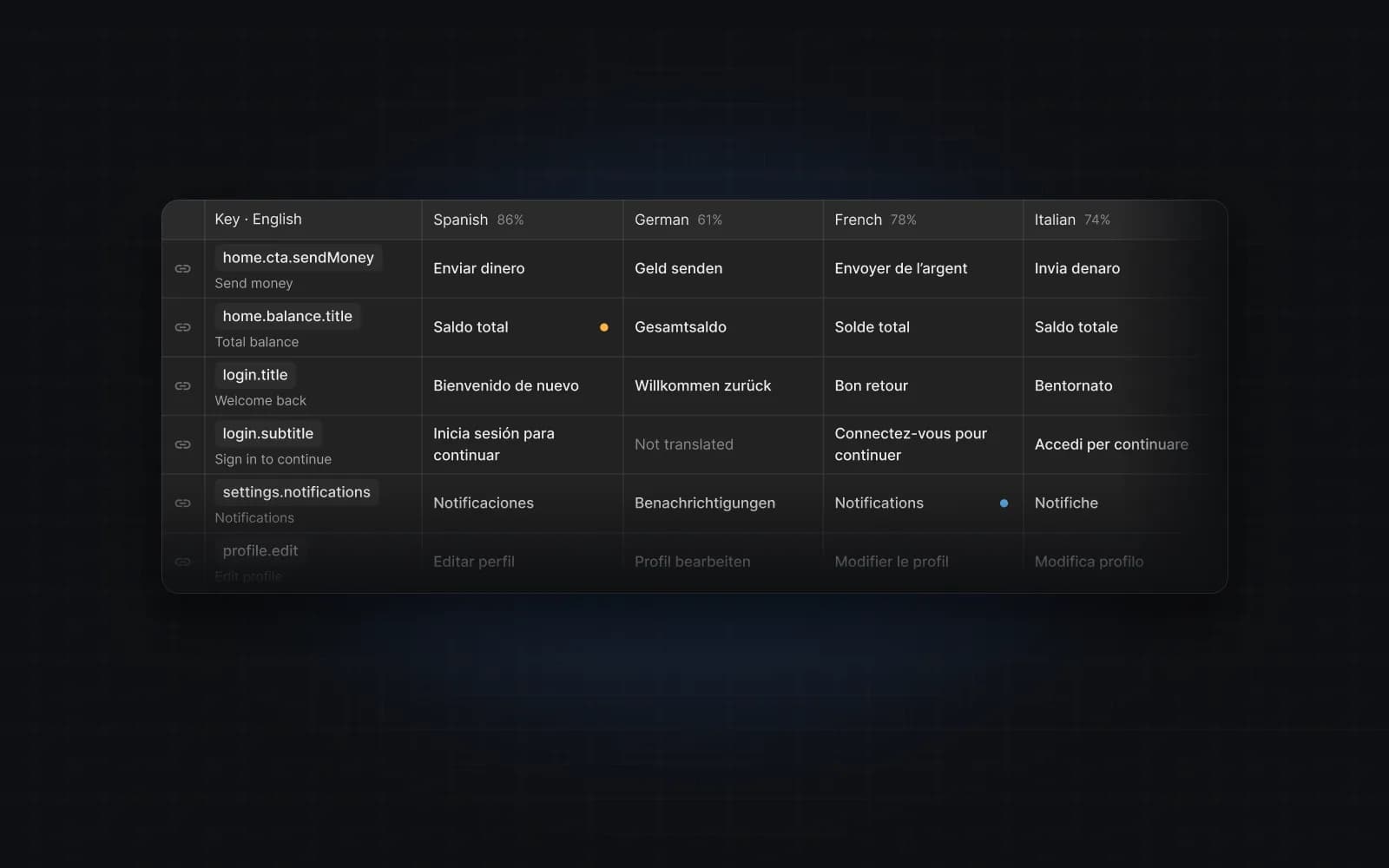
We build this website the way we would like our customers to build theirs: no text is hard-coded in components.
How it works
- One message file. Every string on the site lives in
messages/en.json, with keys such ashero.subtitleandfaq.items.0.q. - One project. The same keys live in a Mondoword project, “Mondoword website”, with English as the source language.
- Designs linked. The website designs in Figma are linked to the same keys, so the AI translates headlines and buttons with the page they belong to.
- Sync with a script.
npm run messages:pushcreates keys for new strings inen.json;npm run messages:pull <lang>writesmessages/<lang>.jsonfrom the project. Strings without a translation stay in English. - Translate, then publish. When we add a language, we translate in Mondoword, review the drafts, pull the file and publish it.
What we are learning
Translating our own site shows us what web teams need next. On our list:
- a real command-line tool and CI step (today it is a small script and a personal token),
- plurals and placeholders (ICU messages),
- long-form pages such as help articles, which are documents rather than short keys,
- right-to-left layouts: the plugin already shows Arabic and Hebrew right to left, but the canvas preview keeps each layer's alignment.
FAQ
Why is the site only in English?
We launch in English and add languages once each one has been reviewed. Search engines treat large amounts of unreviewed machine translation as low quality, and so do readers.