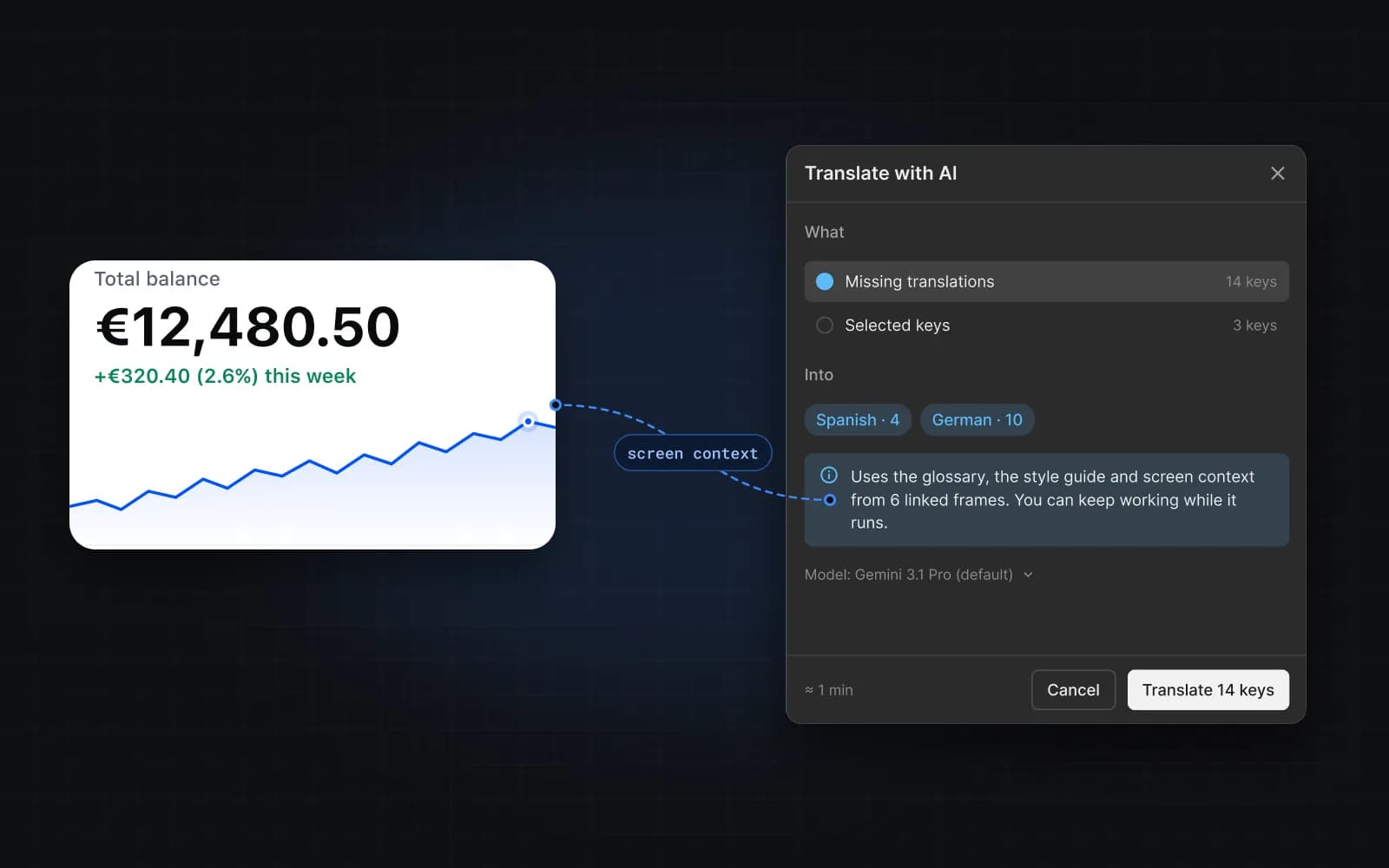
AI app builders write code fast, but the text ends up hard-coded in components. Mondoword gives your coding agent a place to keep every string as a key, translate it with your glossary and tone, and hand the files back.
How it works
- Connect the agent. Add the Mondoword MCP connector to your coding tool and sign in with Google. In the plugin, choose what the agent may do in the project (Agent access).
- Ask it to move text into keys. The agent finds hard-coded text and creates a key for each one — as a dry run first, so you see the list before anything is saved.
- Translate. The agent starts a translation job for the languages you want. Keys linked to Figma designs get the screen as context; the rest use the key name, description, glossary and style guide.
- Write the locale files. The agent reads the translations back and writes
messages/<locale>.json(or your library's format), then wires up a language switcher.
A prompt to start with
Use the Mondoword MCP tools to localize this app:
1. Find hard-coded UI text and create a key for each one
   (camelCase.dot names, for example checkout.cta.payNow). Dry run first.
2. Replace the text with t("key") using next-intl.
3. Translate all keys into Spanish, German and French.
4. Write the translations to /messages/<locale>.json and add a
   language switcher to the header.
If your builder has no MCP support
Some app builders don't let you add MCP servers yet — check your tool's settings. You can still use Mondoword: manage keys in the Figma plugin, Export JSON, and ask your builder to load those files.
FAQ
Will the agent overwrite my translations?
Writes are dry runs until you confirm, and you choose per project whether the agent may edit or delete. Deletes always need your confirmation.
Do I need Figma?
No. Figma linking adds screen context and previews, but an agent can create and translate keys without any design file.