Translate missing keys
Updated 2026-10-30 · 1 min read
Fill in every empty translation with AI, or translate a selection.
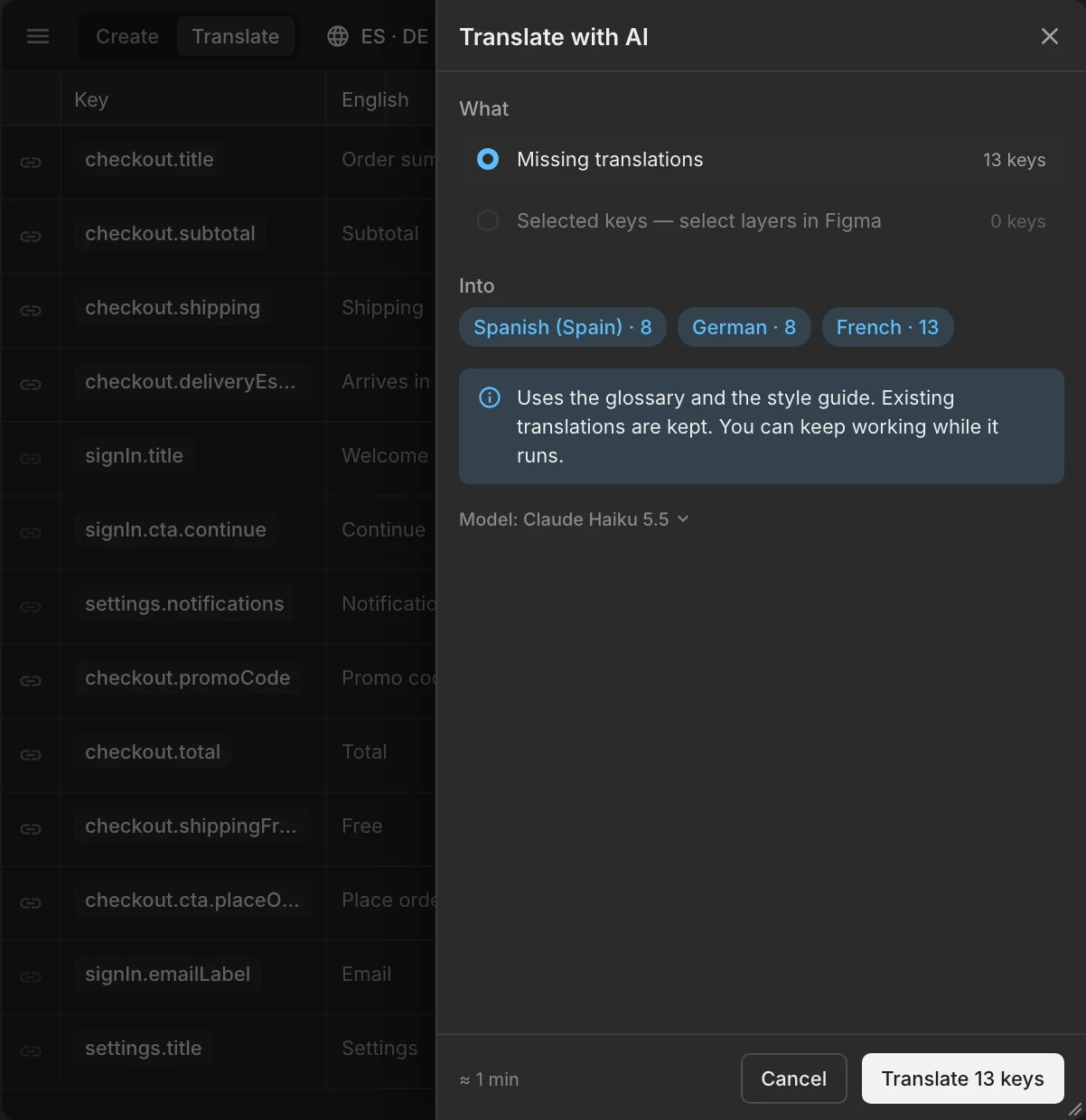
Open the ✦ menu › Translate missing…. Choose:
- Missing translations — every key without a translation in the chosen languages. Existing translations are never overwritten.
- Selected keys — only the keys linked to the layers you select in Figma.
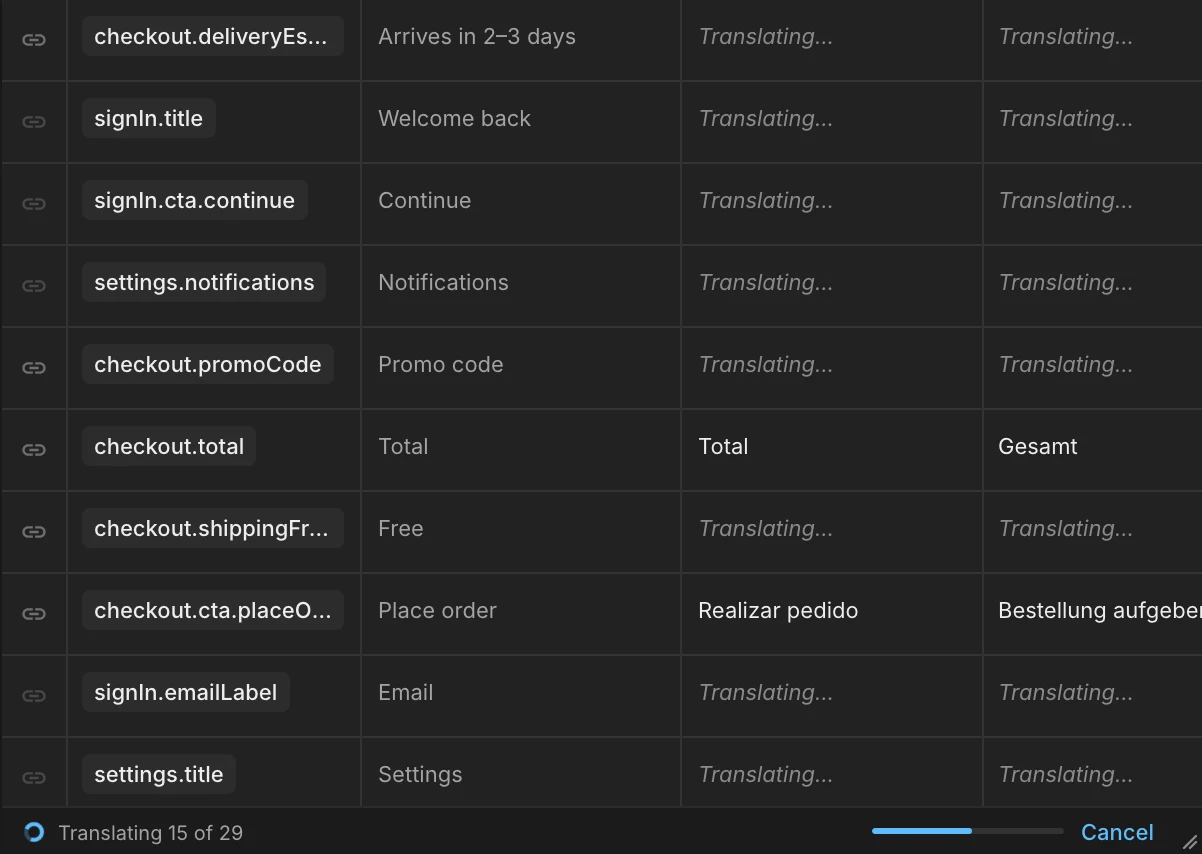
Pick the languages and start. Translation runs in the background, so you can keep working; the status bar shows progress and offers Review when it is done.
What the AI uses
For each key the AI reads the frame it is linked to (screen and element), the text around it, the key name and description, your glossary and your style guide. Linked keys therefore translate better than keys with no Figma context.
Results are drafts
New translations are marked as AI drafts (a small blue dot) until someone accepts them. Exports and Crowdin sync include drafts, so accepting is a review aid, not a gate. See Review AI drafts.
Was this helpful?