Connect Crowdin
Updated 2026-10-22 · 1 min read
Sync keys and translations with a Crowdin project.
If your team or your translators work in Crowdin, connect it to the project.
Connect
- In Crowdin, create an API token (a personal access token) with access to the project.
- In Mondoword, open the menu › Crowdin, paste the token and choose the Crowdin project.
- The panel shows Token valid and Project reachable when everything works.
What syncs
- Edits you make in Mondoword are pushed to Crowdin.
- Sync now brings changes from Crowdin in. You see the list of changes (new, changed) and apply them; the result is summarised afterwards.
- AI translations made by connected agents are approved into Crowdin automatically when the project syncs there.
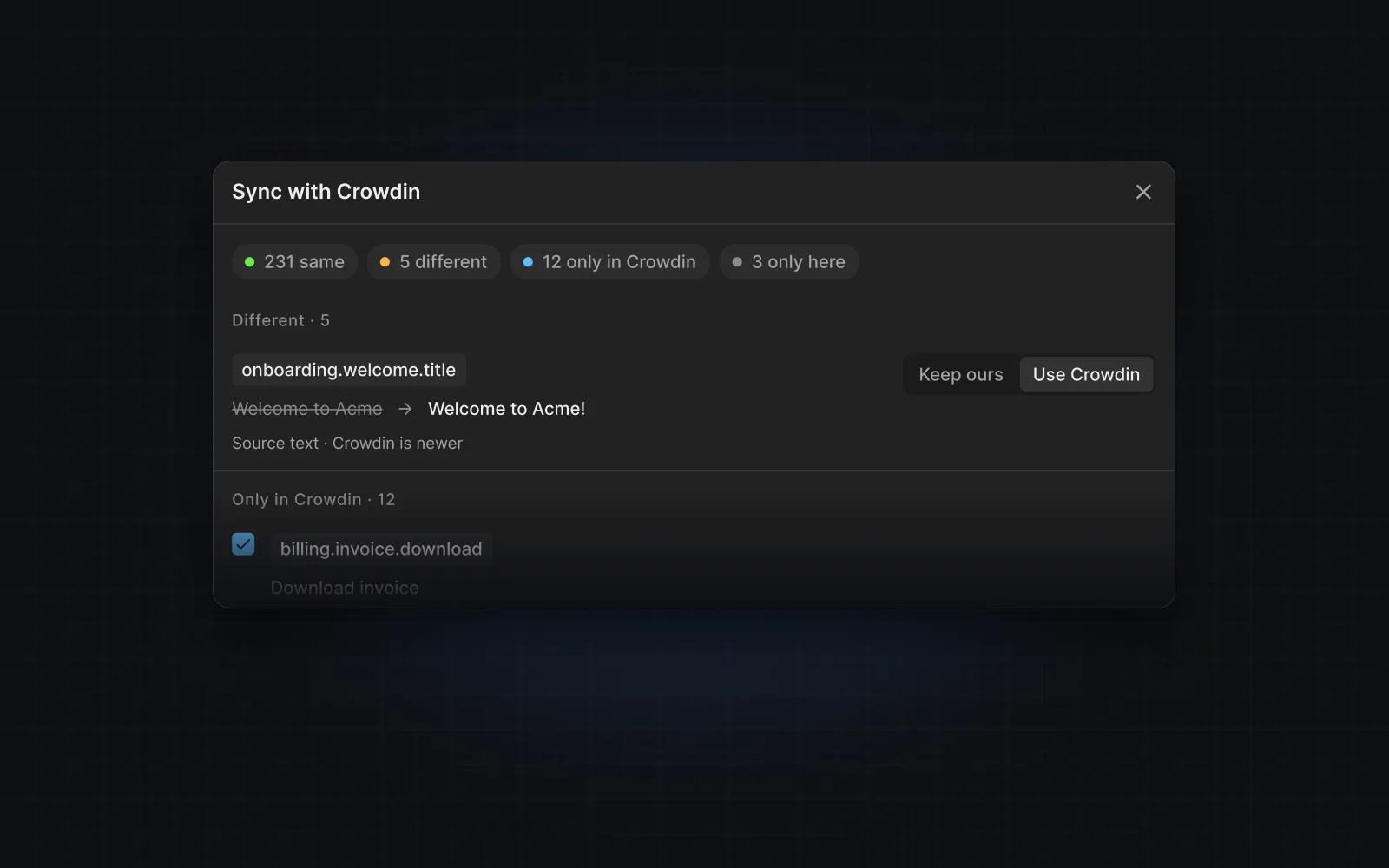
Importing from Crowdin
When you connect a project that already has strings, you can import them as keys; the same change list lets you choose what to bring over.
Was this helpful?